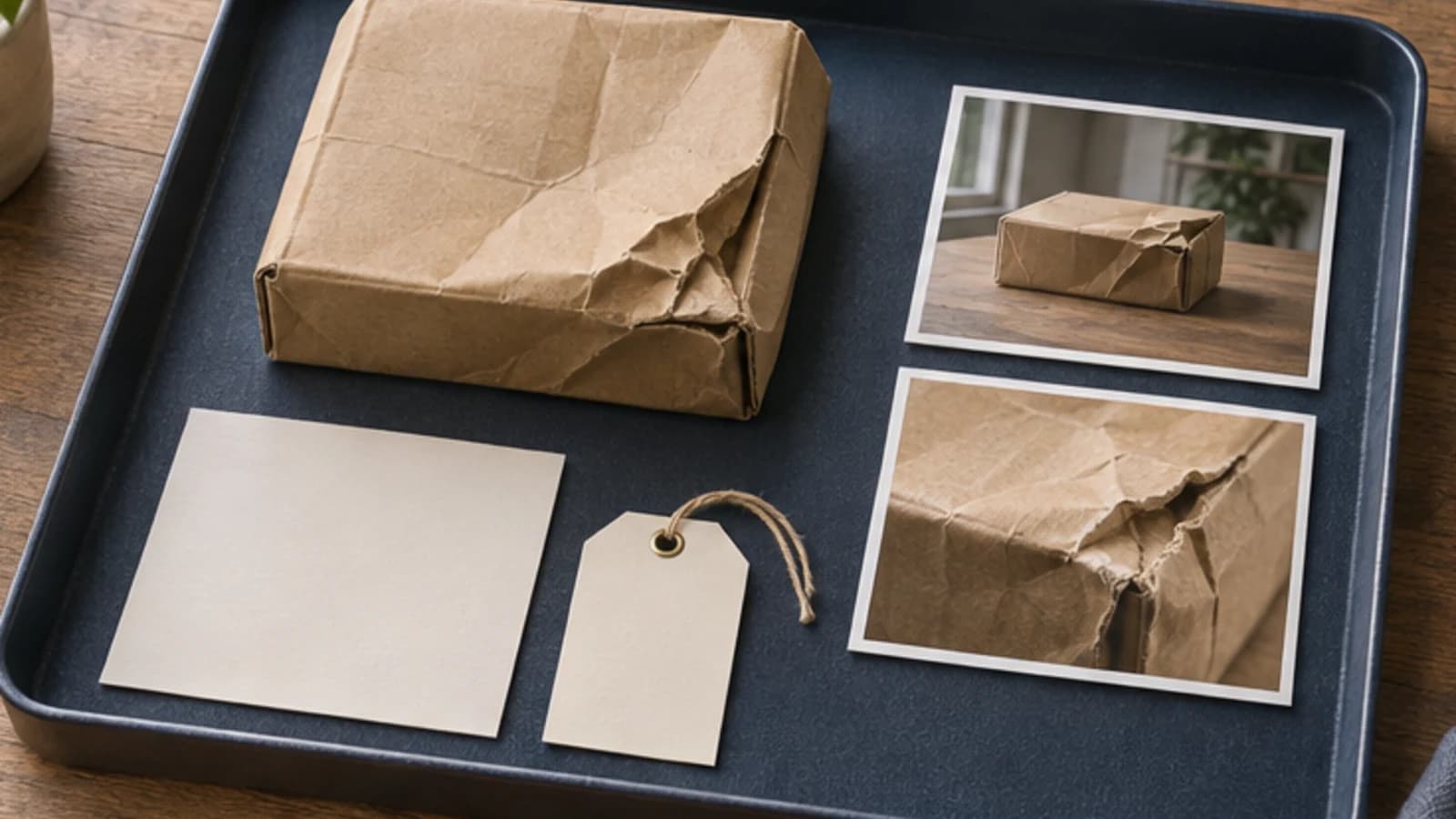
A warehouse receives a returned parcel with a crushed corner. The operator uploads a close-up of a cracked item. The order shipped in two cartons, and both contained the same SKU. When the claims reviewer opens the report, there is no way to tell which carton held the damaged unit. Even a correct image classification leaves the reviewer looking for the parcel and asking whether the original packaging is still available.
Design warehouse damage photo claim intake around the record a reviewer needs to act. Link each report to the affected order line and parcel, ask for named photo views, and capture what the operator saw and when. Let people save a report with gaps. Require the relevant evidence before the reviewer can mark it ready for carrier submission. Once that workflow runs, test whether vision helps with a specific task such as spotting an unreadable label photo. Computer Vision AI
Give the claim a parcel and an affected order line
Start with one lane where the warehouse can inspect incoming returns and retrieve the parcel’s shipping record. Give the damage report its own ID when an operator first saves it. Capture the facility, the event at which the damage was noticed, and the observation time with its time zone. Record the source of that time, such as the operator’s entry or a warehouse scan. Keep the system receipt time separately. A report logged after a shift change should still show when the operator observed the damage.
| Record | Fields to capture | Where to get them |
|---|---|---|
| Order and item | Order ID, affected line ID, SKU, quantity affected, and serial or lot when applicable | Order or inventory records. Confirm the affected units at intake. |
| Parcel and shipment | Fulfillment or shipment ID, parcel ID, carrier, service, tracking or freight reference, and relevant shipment or delivery event times | Shipping records and carrier events, with a lookup from the scanned label. |
| Observation | Facility, handling stage, observer, time observed, and a short description | Operator or receiving workflow. Keep the observation distinct from any later finding about cause. |
| Carrier follow-up | Who will file, applicable filing deadline and its source where known, evidence still due, and carrier claim reference once assigned | Claims team and carrier guidance or account terms for the shipment. |
Resolve a scanned identifier against the shipping record and show the matched parcel and its contents to the operator. If two records match or the parcel contents are unavailable, save the scan as supplied and open a match task. Avoid guessing from the order number or SKU. Reconcile the reported damaged quantity against that parcel’s allocation where available. If the report covers more than one parcel, give each parcel and affected line its own evidence links so the reviewer can trace the quantities.
As a third-party example, FedEx’s U.S. claims page asks for a tracking or PRO number to begin and lists proof of value among the supporting documents. It may request an inspection report with images of the packaging and damaged contents where applicable. Use the applicable carrier instructions to set the filing checklist for each lane. Store the deadline source with the case so the reviewer can resolve disagreements between a shipment event and the date shown in the queue. FedEx U.S. claims guidance
Ask for a view that answers a review question
Replace the general attachment box with specific photo prompts. Ask for a full view of the outer carton so the reviewer can place the damage on the package. Ask for a readable label view to tie the carton to the shipping record. Ask for the interior packaging as found, a view that identifies the affected item, and a close-up that shows the defect. For multiple damaged units, let the operator associate each close-up with the affected line or serial. Handle palletized freight or packaging that has already been discarded through the appropriate checklist or an exception route.
On a warehouse phone, put the instruction beside the camera button. For a label view, ask the operator to fill the frame while keeping the identifier in view. Show a preview and let them mark the requested view as unavailable, with a reason. A photo slot can be empty, contain a file awaiting review, or have a reviewer-confirmed usable image. An uploaded file alone tells you little about whether the label is legible or whether the picture shows the correct carton.
Store the received original under an evidence ID with the claim, parcel, view type, uploader or source channel, and receipt time. Link any crops or redacted previews to that ID. If a photo is replaced, retain the link to the earlier version according to the case’s retention policy and show which one the reviewer used. Restrict access to full label images because they may include addresses. Keep addresses out of routine logs and use previews with only the information the recipient needs. Set retention and any case hold for originals and derivatives together. Set a Data Retention Policy for AI Workflow Logs
Make each exception actionable
Run file and record checks before review. Confirm that an attachment arrived and can be decoded, that the order line belongs to the order, and that the parcel match is unique. Give each failure a reason and an owner. Ask the operator for a missing view while the carton is still available. Send a conflicting parcel match to the shipping desk. Give the claims lead a queue for missing evidence when a filing deadline is close. Keep the case timestamp and the evidence already received when requesting a correction. Design a Review Queue for Medical Claims Attachments
Give the intake record, carrier filing, and any customer refund their own statuses. A reviewer can accept evidence while a carrier submission is pending. A customer refund can proceed under the store’s policy while the carrier evaluates its claim. As a third-party example, Shopify’s Admin GraphQL Refund links to an order and exposes refunded line items and associated transactions. Shopify advises checking transaction status to establish whether money was returned. A commerce integration can store the refund ID on the case and reconcile its transaction status through Shopify. The case still needs its own evidence and carrier reference. Shopify Refund object
Test one vision task against the intake baseline
Run the checklist and reviewer queue without a model first. Track first-pass evidence completeness, resubmissions by missing view, parcel match exceptions, and reviewer handling time per case. Review examples behind those measures. If operators routinely miss the label shot, change the camera prompt and measure again. If they submit label shots that look acceptable on a small screen but are unreadable at the desk, test a vision model that flags unreadable label photos for an immediate retake.
Use reviewed cases from the devices, lighting, packaging, and label formats in the chosen lane. Include glare, torn labels, and clear labels from the wrong parcel. Group photos from the same parcel together when splitting cases for development and evaluation. Grade readability separately from whether the visible identifier matches the shipping record. Count both unreadable photos the model lets through and usable photos it asks operators to retake. Compare that added work and the change in reviewer time with the baseline. Keep manual intake available when the model cannot give a useful answer.
If the team tests a generative vision model, NIST’s Generative AI Profile recommends empirical evaluation of capability claims and cautions against generalizing from narrow, anecdotal assessments. Apply that guidance to the specific retake task and test it under conditions similar to the warehouse. Keep claim eligibility, fault, and payment with the authorized reviewer and the applicable policy. NIST Generative AI Profile
Sources
- FedEx’s U.S. claims guidance describes the shipment identifier and supporting documents that can be used for filing, including inspection images where applicable. File a Claim
- Shopify documents the order, line items, and transactions associated with a refund and explains how to verify payment status. Refund object
- NIST describes empirical evaluation of generative AI capability claims and the limits of narrow assessments in actions MS-2.3-002 and MS-2.5-001. Generative AI Profile
Request an audit of your warehouse damage claim intake
Bring a redacted damage report, its parcel and order references, and the photo views your reviewer received. We can walk through where the evidence stops being usable and which checks the intake form can handle. The audit is free. Request a free AI workflow audit